
Root Me


チャレンジについて
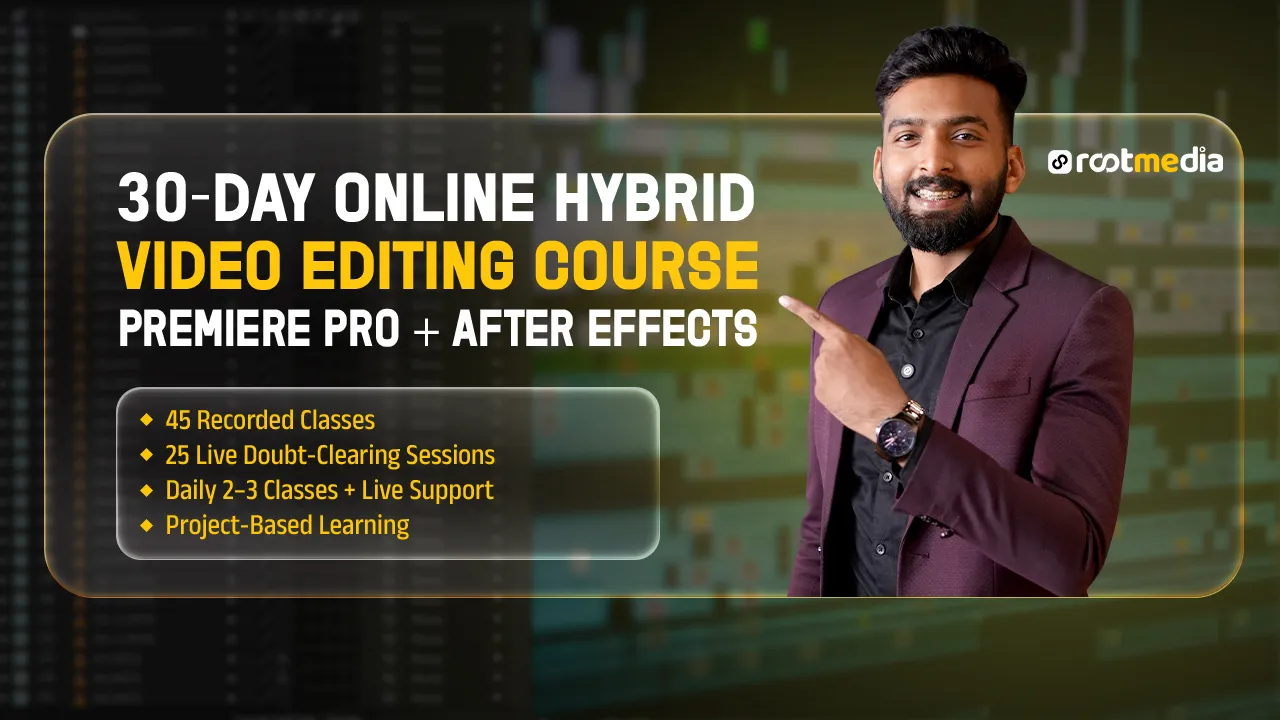
This 30-day Hybrid Video Editing Course is designed to take students from strong fundamentals to professional-level editing workflows using Adobe Premiere Pro and After Effects. The course combines high-quality recorded lessons with regular live doubt-clearing sessions, ensuring both flexibility and mentor support throughout the learning journey.
Students will learn real-world editing techniques, motion graphics basics, and efficient workflows used in professional content creation, marketing videos, social media, and client projects.
Adobe Premiere Pro
- Interface, tools, and professional workspace setup
- Importing, organising media, bins, and cache management
- Timeline editing, trimming techniques, and adjustment layers
- Transitions (basic to intermediate)
- Color correction and basic color grading
- Audio editing, sound mixing, and use of audio libraries
- Text tools, titles, and animations
- Smart reframing and basic stabilisation
- Export settings for social media, YouTube, and clients
Adobe After Effects
- Interface and composition basics
- Layer-based animation principles
- Text animation and motion graphics fundamentals
- Shape layers and simple visual effects
- Using presets, templates, and essential graphics
- Integrating After Effects with Premiere Pro
Live Session Support (25 Sessions)
- Regular doubt-clearing sessions with mentors
- Concept clarification and workflow guidance
- Feedback on assignments and practice work
- Tips for speed, efficiency, and industry practices
YOU
みんな一緒の方が楽しい!
Daily Learning Structure
- Students are required to complete 2–3 recorded classes every day as per the course schedule.
- Recorded lessons must be watched before attending the live session.
Live Session Requirement
- Online live sessions are mandatory for:
- Doubt clearing
- Concept clarification
- Project discussions
- Workflow guidance
- Students should come prepared with:
- Notes
- Doubts from recorded classes
- Work-in-progress edits
Daily Practice & Challenges
- Apply What You Learn Daily
- After completing the recorded classes, students must practice the tools and techniques shown.
- Daily practice tasks or mini-challenges will be based on the same day’s lessons.
- Project-Based Learning
- Students will continuously work on assigned projects.
- Progress will be reviewed and discussed during live sessions.
- Ask & Improve
- Use live sessions to ask doubts, understand mistakes, and improve your edits.
- Mentor feedback should be implemented in the next practice session.
これを購入すると、次のような特典もあります
コミュニティへのアクセス
新着情報
1 投稿