Storage
説明文
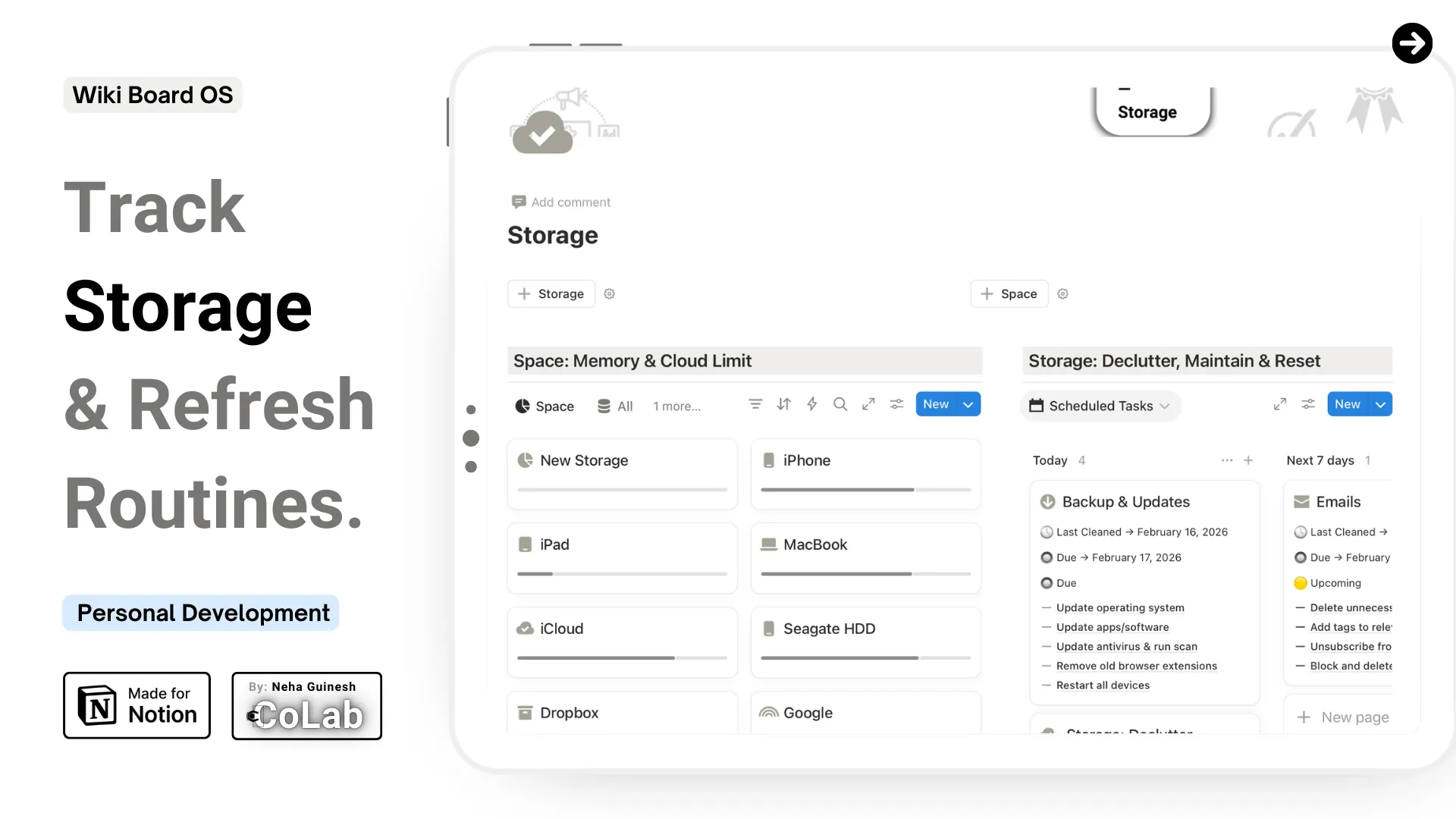
Storage: Track Storage & Digital Space Refresh Routines.
Digital life is growing fast — devices, cloud accounts, apps, and storage capacities multiply constantly. The Storage template gives you a complete overview of your digital ecosystem, helping you track devices, monitor storage, plan maintenance, and maintain a healthy digital environment.
This system allows you to see exactly how much space you have, how it’s being used, and what needs attention, while keeping your routines consistent and automated. You can monitor devices, manage cloud storage, and schedule regular digital resets — all from one organized, connected workspace.
Whether you’re managing a personal digital setup, creative workspace, or professional tech environment, this template helps you maintain clarity, control, and efficiency — so your devices and storage support your life seamlessly.
✦ What This Template Helps You Do
- Track every device and cloud storage account in one clear system
- Monitor total, used, and free storage capacity across all devices
- Keep a visual overview of storage usage percentages for quick assessment
- Log the last review date to maintain up-to-date digital organization
- Schedule recurring digital maintenance tasks to keep systems optimized
- Set task frequency and cycles for decluttering routines (daily, weekly, monthly)
- Track progress on tasks and subtasks to stay consistent with digital hygiene
- Store instructions, notes, and context for each maintenance routine
- Visualize and schedule tasks on Notion Calendar for continuous oversight
✦ What’s Included
Core Features
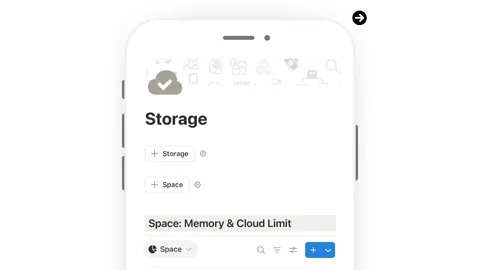
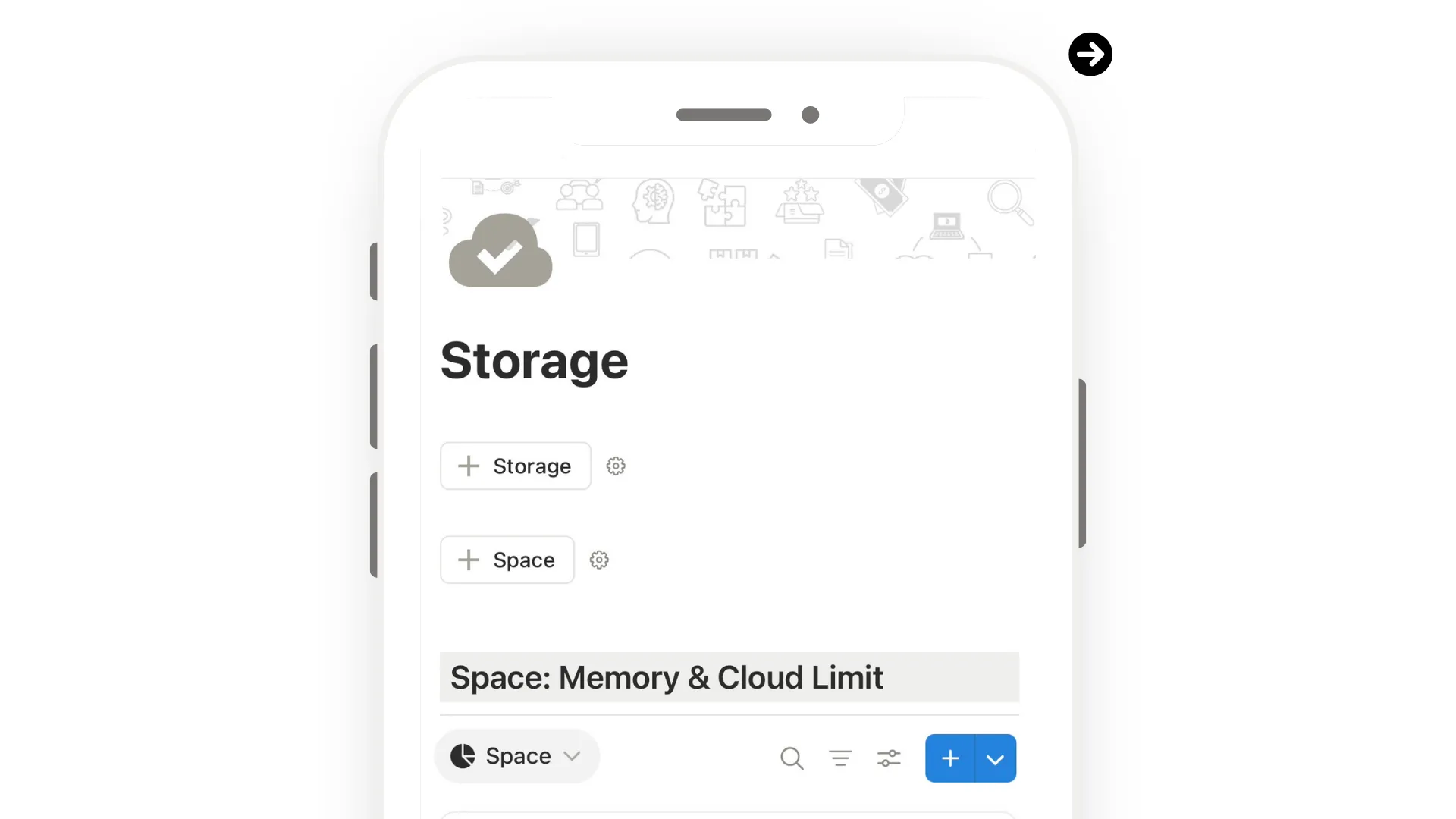
- 💾 Space: Memory & Cloud Limit Database — track devices and storage services with total, used, and free capacity
- 🧩 Storage: Declutter, Maintain & Reset Database — manage recurring digital maintenance routines and tasks
- ⏱️ Cycle & Frequency Tracking — schedule recurring digital cleanup tasks
- 📝 Notes & Instructions — store details for each maintenance routine or task
Guided Support
- ✍️ “Edit Here” View — structured entry points for adding devices, cloud storage, and routines
- 📘 Step-by-Step Personalization Guides — detailed instructions for setup and ongoing use
- 💡 Pro Tips Throughout — optimize organization, maintain storage efficiency, and set up recurring routines
Design & Experience
- 🎨 Clean, structured layout designed for clarity and quick reference
- 📱 Fully responsive across desktop, tablet, and mobile
- 🌙 Light and dark mode covers included
- 🔐 Lifetime access — no subscriptions or recurring fees
❔ Ready to Bring Clarity and Control to Your Digital Life?
The Storage template gives you a complete, structured view of your devices, cloud accounts, and digital maintenance routines. Monitor storage, schedule regular resets, and maintain a clear, organized digital ecosystem that supports everything you do.
✨ Start using this thoughtfully designed reset system and make it truly yours.